Support
Getting help.
Write to me at support at enogu dot tiltool dot com. I made Enogu, and I read every message myself.
If something is wrong, it helps me to know which iPhone you have, and the version number the app shows as it opens. There's no crash reporting in the app, so nothing reaches me unless you send it.
Questions the app raises on purpose
Why does the paint land above my finger?
So your finger never hides what you're painting. The paint lands just above your fingertip, always the same distance, and "above" follows how you hold the phone; and an outline of your brush shows where the moment you touch. To paint the last strip at the bottom of the canvas, zoom in with two fingers. In Studio (top left), Nib can have the paint trail behind your finger, or land right under it.
How do I mix a colour?
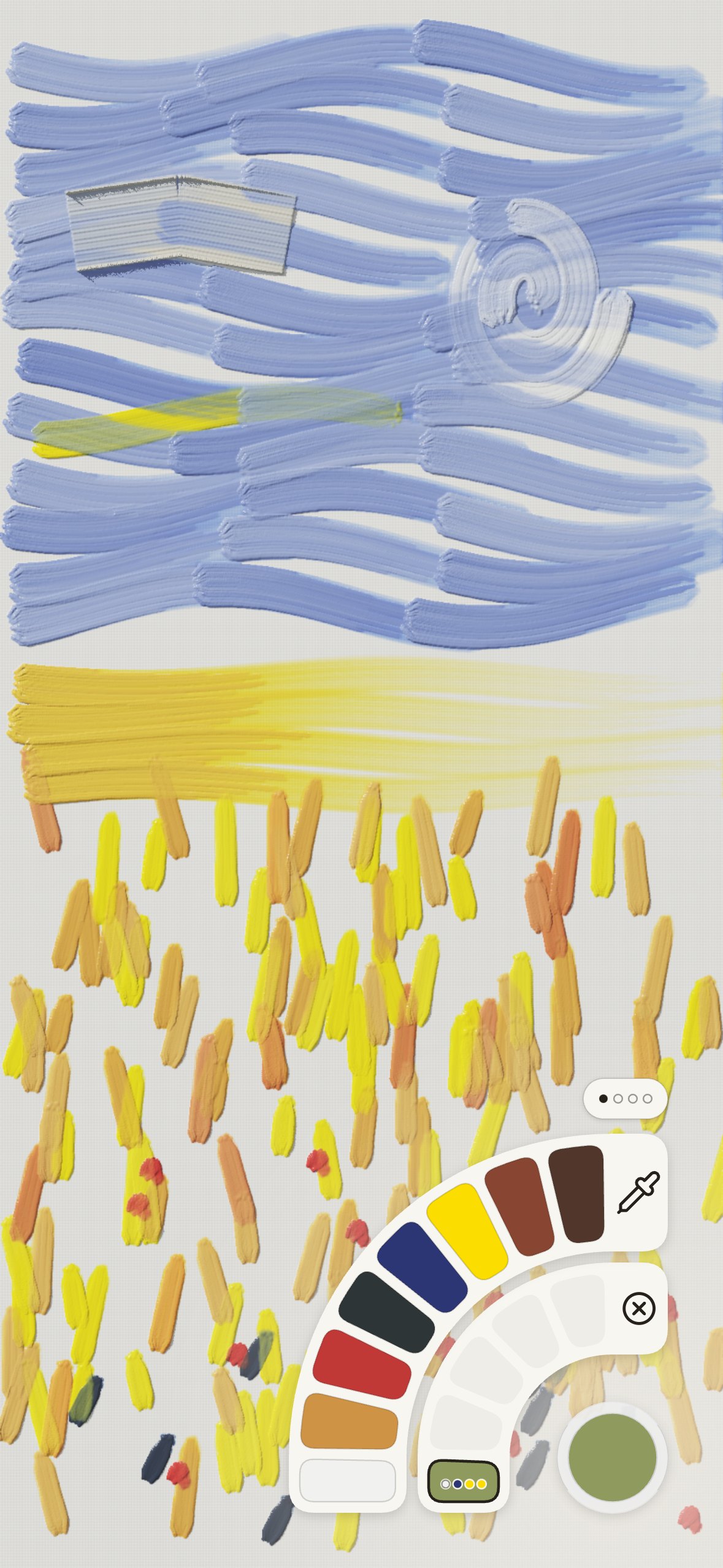
Open the colour rings from the bottom right. The inner ring holds your mixes, one always selected; each tap on a pigment in the outer ring adds a part of it to that mix, and the mix shows its recipe. Drag along either ring for more. There is no limit to how many mixes you keep. The eyedropper at the top of the outer ring picks up a colour from the painting.
How do I change the brush, or its size?
Open the brushes from the bottom left. The inner ring is your five brushes, each with its own size; the outer ring has every brush, the knife and the rag. Slide your finger across them to see what each is for. Drag the centre of the open rings up or down to change the size. The outline above your finger takes the shape of the brush, at its real width, so you can see what will touch the canvas.
Why does the painting change when I tilt the phone?
That's the light. The paint has thickness, and tilting moves the light across it, as turning a real canvas would. It's the part of Enogu I care about most. In Studio you can place the lamp by hand instead.
How do I keep a painting?
You don't have to. Paintings keep themselves, and Your paintings (top left) has every one, with a new canvas at the front. From there, or from the same menu while painting, a painting can be saved as an image or shared. A painting you come back to after a long break has dried, ready to glaze over.
Where did the four paintings in Your paintings come from?
I made them with Enogu itself: a robot painter I built works from a photograph using only the app's own brushes and pigments, from free photographs on Pixabay (a latte, a street in Bologna, an Alpine farmhouse and a scooter). They're there so you have something to tilt, study and paint over from the first minute. Delete them whenever you like.
How do I see the painting fresh?
Mirror, in the top-right column, flips the painting on screen, the way painters flip a canvas or look at it in a mirror to catch what the eye has got used to. You can keep painting while it's flipped; tap Mirror again to flip it back. Saved images are always the right way round.
How do I wipe paint off?
With the rag, in the brushes' outer ring under Knife and rag: it lifts wet paint. Paint that has dried stays; paint over it instead. The rag carries no paint, so while you hold it the colour button shows a struck-through circle and the colours are faded.
Can I undo?
Yes: tap the undo button under the eye, top right, or tap the painting with two fingers. Redo is in the eye's column.
Does it collect anything?
No. See the privacy policy.